Pricing
Each session is built to be simple, flexible, and fully yours — from quick portraits to full creative escapes
Our Packages
Headshot Flexi
LinkedIn profile. Energise your online presence with our personality driven headshots. DO YOU WANT TO CONNECT WITH YOUR DREAM CLIENTS WITH JOYFUL, VIBRANT HEADSHOTS?
$99/ session

Our Packages
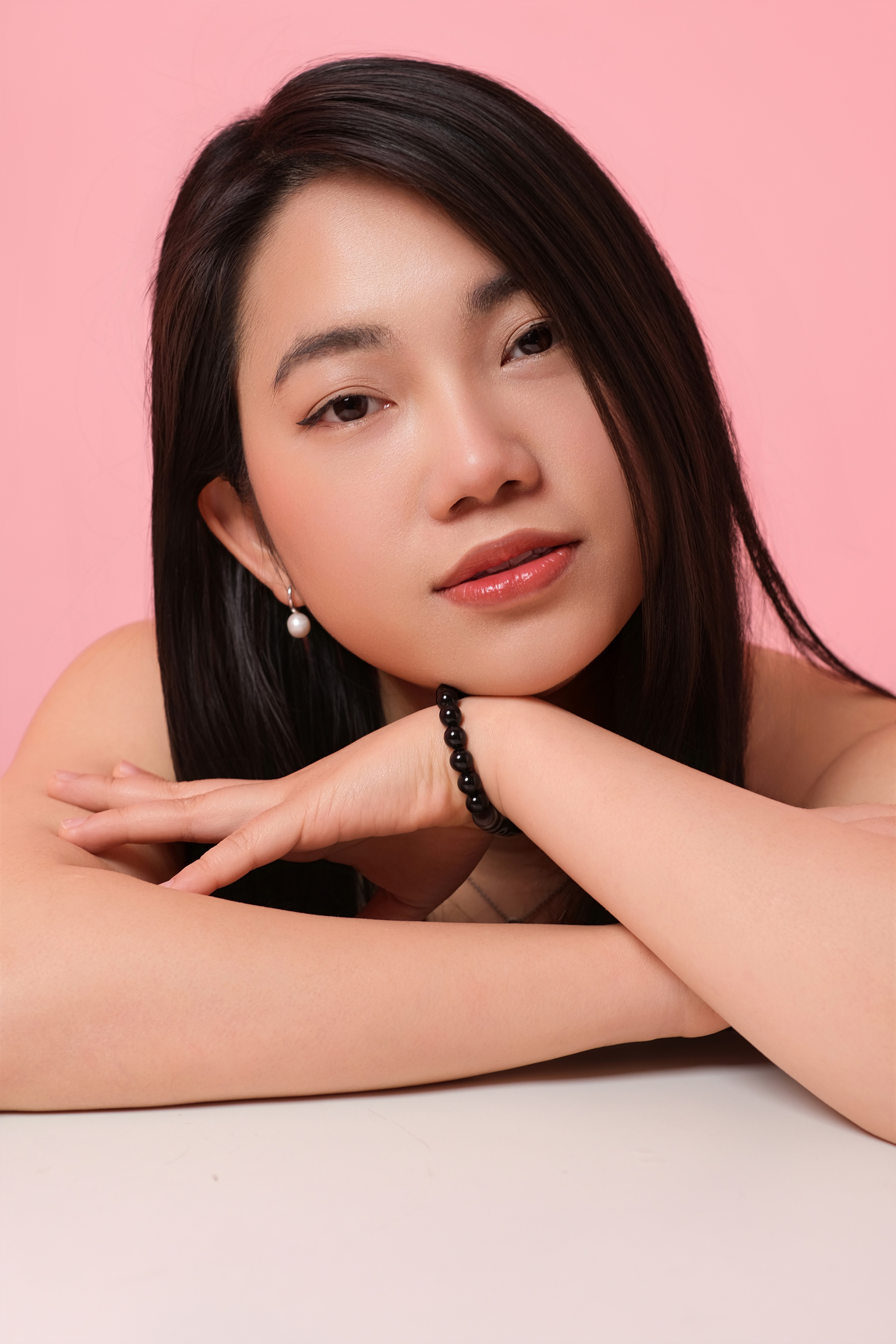
Portrait Photography
These sessions aren’t about posing. They’re about pausing. Whether you’re in a season of growth, transition, celebration—or simply want to be seen—portrait sessions are a way to mark time in a gentle, artful way. I create space for quiet confidence, soft light, and honest connection. No pressure. No rush. Just an opportunity to breathe, be present, and show up fully.
$249/ session
Our Packages
Creative Photography
Bring your vision to life with a fresh, on-trend concept.
$299/ session

Our Packages
Lifestyle Photography
Showcase the authentic moments of your daily life with story-driven images.
$299/ session

Frequently asked questions.
Read on for the nuts and bolts of our headshot and personal branding photoshoots. How to choose photos, how to pay and more...